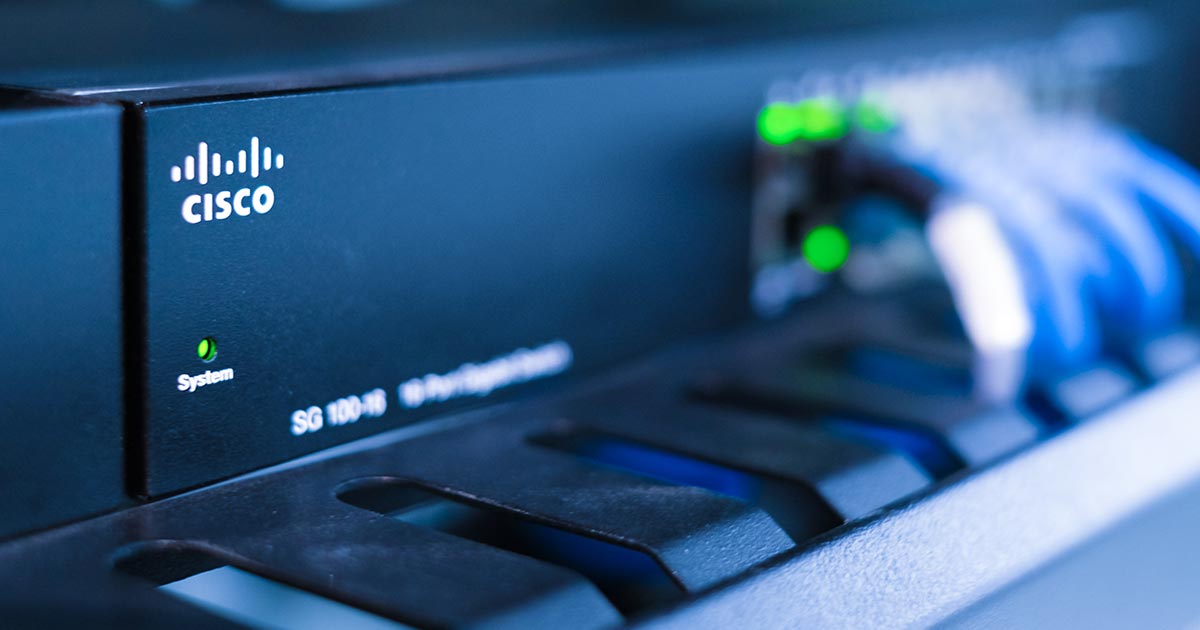
The Securing Email with Cisco Email Security Appliance (SESA) course shows you how to deploy and use Cisco® Email Security Appliance to establish protection for your email systems against phishing, business email compromise, and ransomware, and to help streamline email security policy management. This hands-on course provides you with the knowledge and skills to implement, troubleshoot, and administer Cisco Email Security Appliance, including key capabilities such as advanced malware protection, spam blocking, anti-virus protection, outbreak filtering, encryption, quarantines, and data loss prevention.
This course helps you prepare to take the exam, Securing Email with Cisco Email Security Appliance (300-720 SESA), which leads to CCNP® Security and the Certified Specialist – Email Content Security certifications.
 
This course will help you:
-
- Deploy high-availability email protection against the dynamic, rapidly changing threats affecting your organization
-
- Gain leading-edge career skills focused on enterprise security
After completing this course you should be able to:
-
- Describe and administer the Cisco Email Security Appliance (ESA)
-
- Control sender and recipient domains
-
- Control spam with Talos SenderBase and anti-spam
-
- Use anti-virus and outbreak filters
-
- Use message filters to enforce email policies
-
- Authenticate Simple Mail Transfer Protocol (SMTP) sessions
-
- Use system quarantines and delivery methods
-
- Perform centralized management using clusters
Destinatários
Individuals responsible for the deployment, administration and troubleshooting of a Cisco Email Security Appliance:
-
- Network or security technicians
-
- Cisco integrators and partners
Condições
Após a formação, é possível adquirir, o exame de certificação do parceiro oficial com 10% de desconto. Oferta válida até 6 meses após a conclusão do curso.
Pré-Requisitos
The knowledge and skills that a student must have before attending this course are:
-
- TCP/IP services, including Domain Name System (DNS), Secure Shell (SSH), FTP, Simple Network Management Protocol (SNMP), HTTP, and HTTPS
-
- Experience with IP routing
To fully benefit from this course, you should have one or more of the following basic technical competencies:
-
- Cisco certification (Cisco CCENT® certification or higher)
-
- Relevant industry certification, such as (ISC)2, CompTIA Security+, EC-Council, Global Information Assurance Certification (GIAC), and ISACA
-
- Cisco Networking Academy letter of completion (CCNA® 1 and CCNA 2)
-
- Windows expertise: Microsoft [Microsoft Specialist, Microsoft Certified Solutions Associate (MCSA), Microsoft Certified Systems Engineer (MCSE)], CompTIA (A+, Network+, Server+)
Metodologia
Instructor-led training: 3 days in the classroom with hands-on lab practice
Programa
-
- Describing the Cisco Email Security Appliance
-
- Administering the Cisco Email Security Appliance
-
- Controlling Sender and Recipient Domains
-
- Controlling Spam with Talos SenderBase and Anti-Spam
-
- Using Anti-Virus and Outbreak Filters
-
- Using Message Filters to Enforce Email Policies
-
- SMTP Session Authentication
-
- Using System Quarantines and Delivery Methods
-
- Centralized Management Using Clusters
-
- Testing and Troubleshooting
Describing the Cisco Email Security Appliance
-
- Cisco Email Security Appliance Overview
-
- Cisco Email Security Appliance Data Sheet
-
- Initial Cisco Email Security Appliance Configuration
-
- Centralizing Services on a Cisco Content Security Management Appliance (SMA)
-
- Release Notes for AsyncOS 11.x
Administering the Cisco Email Security Appliance
-
- Distributing Administrative Tasks
-
- Managing and Monitoring Using the Command Line Interface (CLI)
-
- Advanced Network Configuration
-
- Using Email Security Monitor
Controlling Sender and Recipient Domains
-
- Public and Private Listeners
-
- Configuring the Gateway to Receive Email
-
- Host Access Table Overview
-
- Recipient Access Table Overview
-
- Configuring Routing and Delivery Features
Controlling Spam with Talos SenderBase and Anti-Spam
-
- Protecting Against Malicious or Undesirable URLs
-
- File Reputation Filtering and File Analysis
Using Anti-Virus and Outbreak Filters
-
- Anti-Virus Scanning Overview
-
- Sophos Anti-Virus Filtering
-
- McAfee Anti-Virus Filtering
-
- Configuring the Appliance to Scan for Viruses
-
- How the Outbreak Filters Feature Works
-
- Managing Outbreak Filters
Using Mail Policies
-
- Email Security Manager Overview
-
- Handling Incoming and Outgoing Messages Differently
-
- Matching Users to a Mail Policy
-
- Configuring Mail Policies
Using Content Filters
-
- Content Filter Conditions
-
- Filter Messages Based on Content
-
- Using and Testing the Content Dictionaries Filter Rules
-
- Understanding Text Resources
Using Message Filters to Enforce Email Policies
-
- Components of a Message Filter
-
- Message Filter Processing
-
- Examples of Attachment Scanning Message Filters
-
- Using the CLI to Manage Message Filters
-
- Configuring Scan Behavior
Preventing Data Loss
-
- Overview of the Data Loss Prevention (DLP) Scanning Process
-
- Setting Up Data Loss Prevention
-
- Policies for Data Loss Prevention
-
- Updating the DLP Engine and Content Matching Classifiers
Using LDAP
-
- Authenticating End-Users of the Spam Quarantine
-
- Configuring External LDAP Authentication for Users
-
- Testing Servers and Queries
-
- Using LDAP for Directory Harvest Attack Prevention
-
- Spam Quarantine Alias Consolidation Queries
-
- Validating Recipients Using an SMTP Server
SMTP Session Authentication
-
- Configuring AsyncOS for SMTP Authentication
-
- Authenticating SMTP Sessions Using Client Certificates
-
- Checking the Validity of a Client Certificate
-
- Authenticating User Using LDAP Directory
-
- Authenticating SMTP Connection Over Transport Layer Security (TLS) Using a Client Certificate
-
- Establishing a TLS Connection from the Appliance
-
- Updating a List of Revoked Certificates
Email Authentication
-
- Email Authentication Overview
-
- Configuring DomainKeys and DomainKeys Identified MailDKIM) Signing
-
- Verifying Incoming Messages Using DKIM
-
- Overview of Sender Policy FrameworkSPF) and SIDF Verification
-
- Domain-based Message Authentication Reporting and Conformance (DMARC) Verification